Bat survey capture & reporting

In the field.
In the moment.
All in BatNote.

Your observations, imagery and survey details. Together from the first bat to the final report.

For iPhone and iPad · No subscription

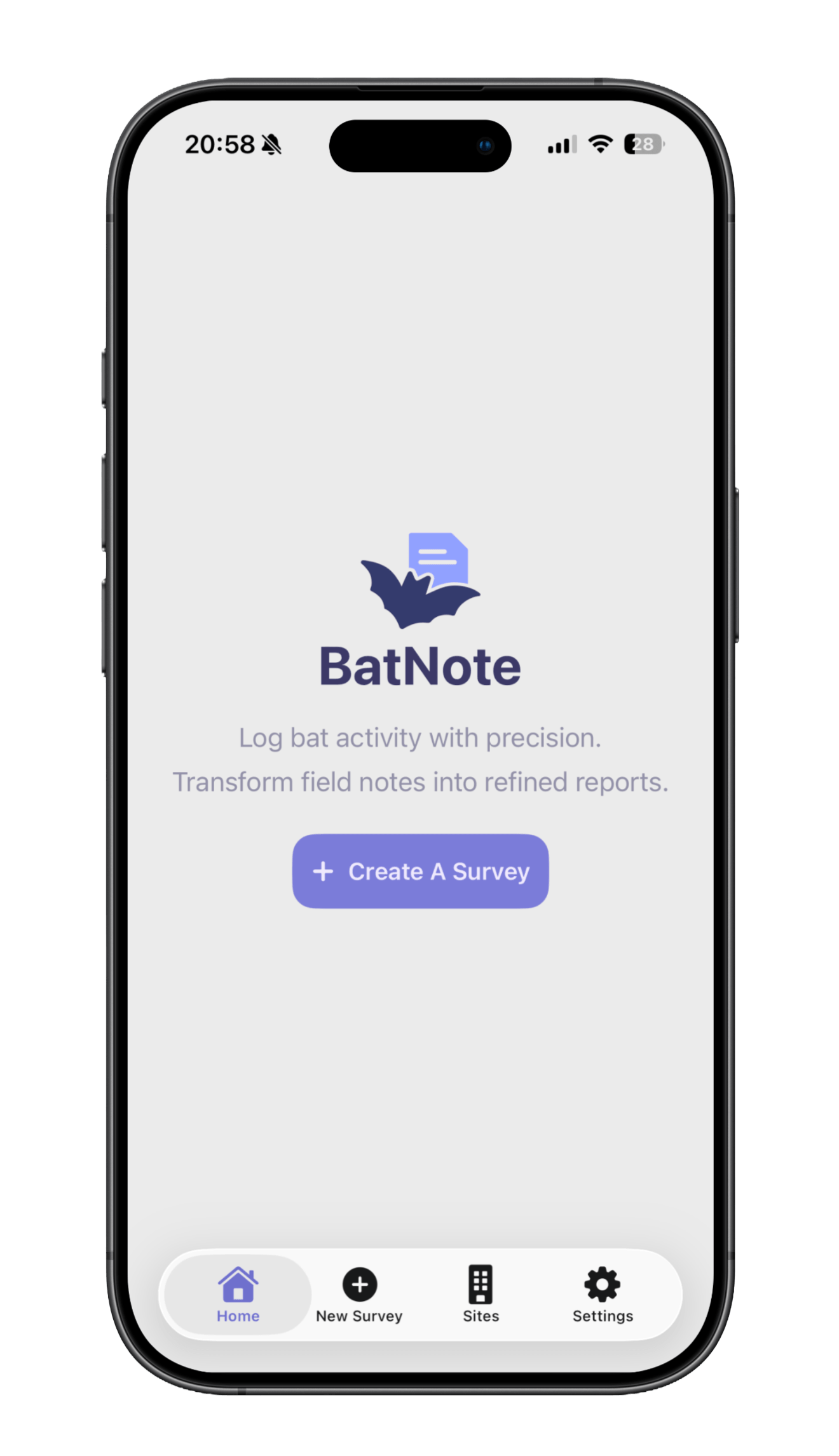
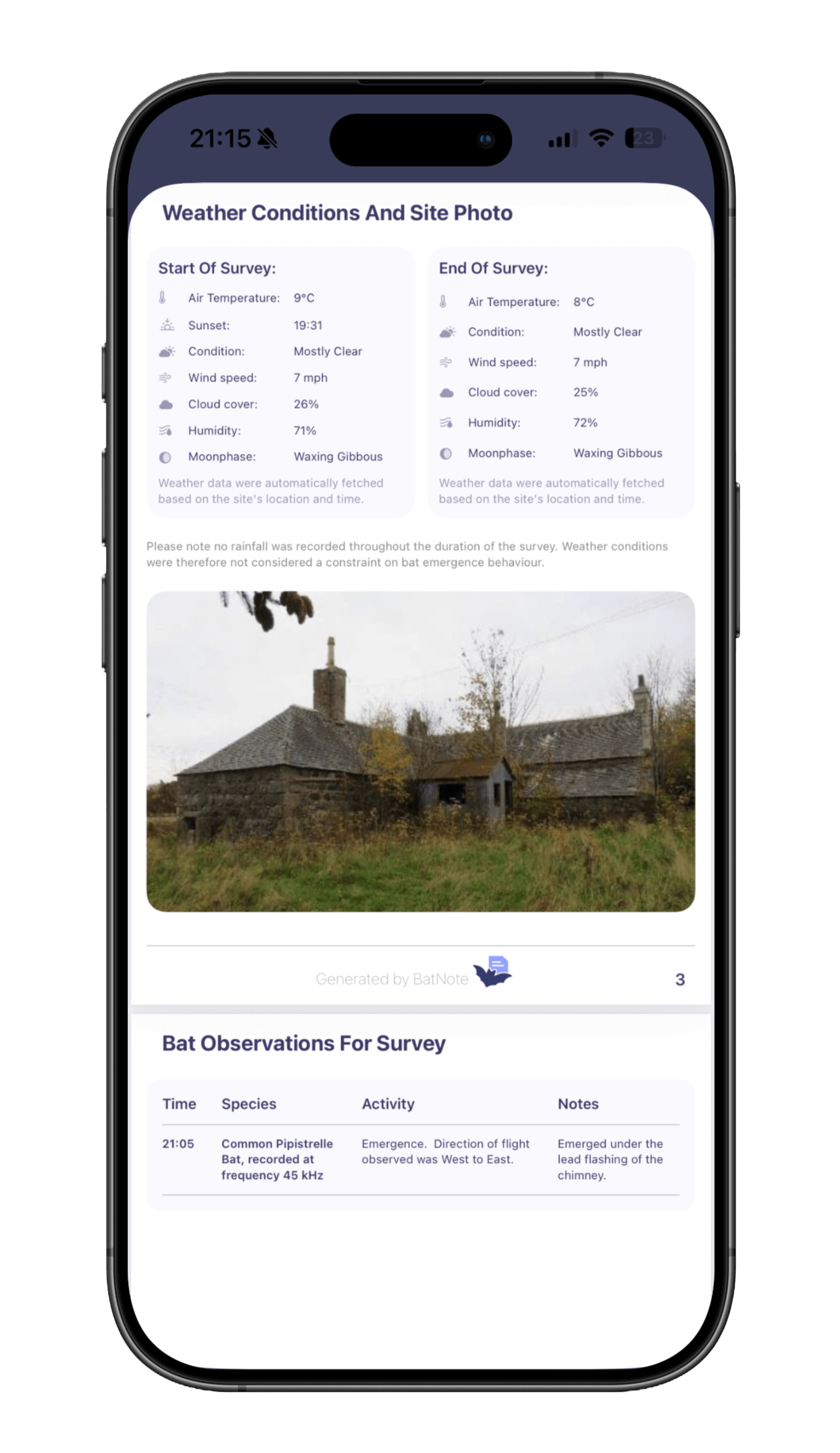
BatNote on iPhone, ready to create a surveySurvey imagery and observations organised into a BatNote report

Offline first

Capture wherever work takes you

One connected workflow

From field notes to professional PDF

No subscription

Only pay for the reports you export

Why BatNote

Less admin. More attention to what matters.

Capture the right field notes while the information is fresh, keep them organised through the survey, and use those same notes to produce the report.

Structured field capture

Record site details, survey setup, weather and observations in a consistent flow while the information is fresh.

Report-ready output

Generate a clean PDF from captured survey data, reducing the rewrite between fieldwork and client delivery.

Built for poor signal

Keep working on site when connectivity is unreliable, with survey data stored locally on your iPhone.

Professional consistency

Use the same clear capture structure from one survey to the next, with more consistent output when working across a team.

How it works

From first observation to final report.

BatNote is built around the practical handover between survey night and reporting day: fewer scattered notes, more structured evidence, and a clearer path to a client-ready PDF.

1

Fill in survey details

Add surveyor details, equipment used and site information, with weather automatically fetched to reduce repetitive setup.

2

Capture survey imagery

Photograph survey areas and mark access points or potential roost features directly on the images you capture.

3

Link bat activity

Log observations, timings and species, then connect emergence or re-entry activity directly to the relevant marked access points.

4

Export the report

Turn the night's captured field data from the survey into a professional PDF report that is ready for review and sharing.

Watch BatNote

See the whole workflow come together.

The demo shows how BatNote captures structured field notes for emergence and re-entry surveys, then turns those same notes into a professional report.

Pricing

A little credit. A lot less paperwork.

BatNote uses export credits for watermark-free PDF reports. Start by unlocking one survey report, then choose a larger bundle for future work.

1 export credit unlocks watermark-free exports for 1 survey report.
Revise and re-export an unlocked report without using another credit.
Credits are App Store in-app purchases. There is no subscription, and GBP prices may vary by region.

BatNote Pioneers

Help shape BatNote for Android

Use Android in the field? Join the Pioneers programme to share your workflow and help shape future releases. Development has started, but there is no confirmed release date.

How pioneers can help

Share how you currently complete bat surveys using Android devices.
Tell us which devices and field workflows BatNote should support.
Help prioritise the features that matter before development begins.
Test early Android builds when they become available.
Apply to join the Android Pioneers

FAQ

Practical answers.

Does BatNote work offline?

Yes. BatNote is designed for fieldwork in low-connectivity environments, so you can capture survey data on site and keep working confidently.

What surveys does BatNote support?

BatNote currently supports bat emergence and re-entry surveys. Additional bat survey types are planned for future updates.

Where is my data stored?

Survey data, including projects, sites, observations, images and reports, remains stored locally on your device. Basic account profile information, such as your name and email address, is stored in the cloud to synchronise your profile across devices.

Can I export and share reports directly from BatNote?

Yes. BatNote generates clean, professional PDF reports directly from your captured survey data, ready to share with colleagues or clients.

How does BatNote pricing work?

One export credit unlocks watermark-free PDF exports for one survey report. You can revise and re-export that unlocked report without using another credit, and there is no subscription.

Does BatNote use AI?

AI-assisted survey summary features are in development for supported iPhone models. Availability will depend on device support and future releases.

Team and workflow questions

Good fieldwork starts with a conversation.

Email us if you need help with a team workflow, reporting process or practical question that is not covered above.

Email about BatNote